01 / LOOK UP
Find your way around the sky.
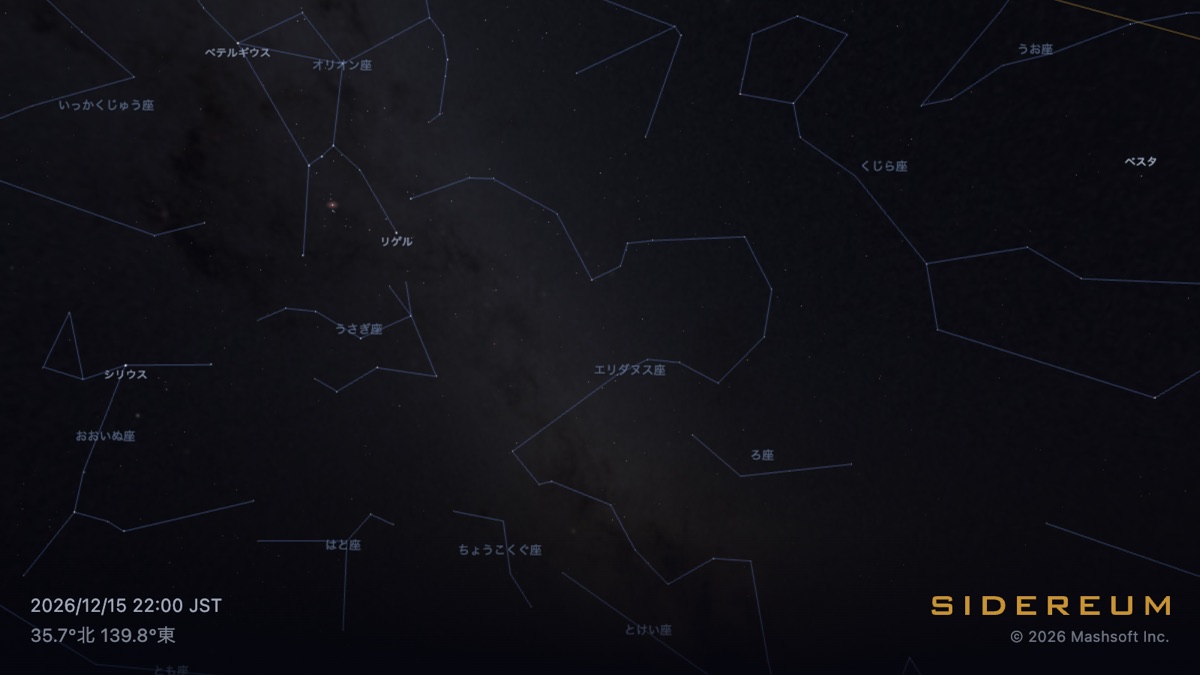
Choose a location and time to see its sky. Turn on constellation lines and star names, or search for an object that catches your curiosity.
Open the sky ↗ BETA
A universe in your browser
Look up at the stars. Fly toward a planet. Stand on the Moon.
SIDEREUM is a free web planetarium for exploring the universe, right in your browser.
Free · No account needed · Currently in beta
Explore SIDEREUM
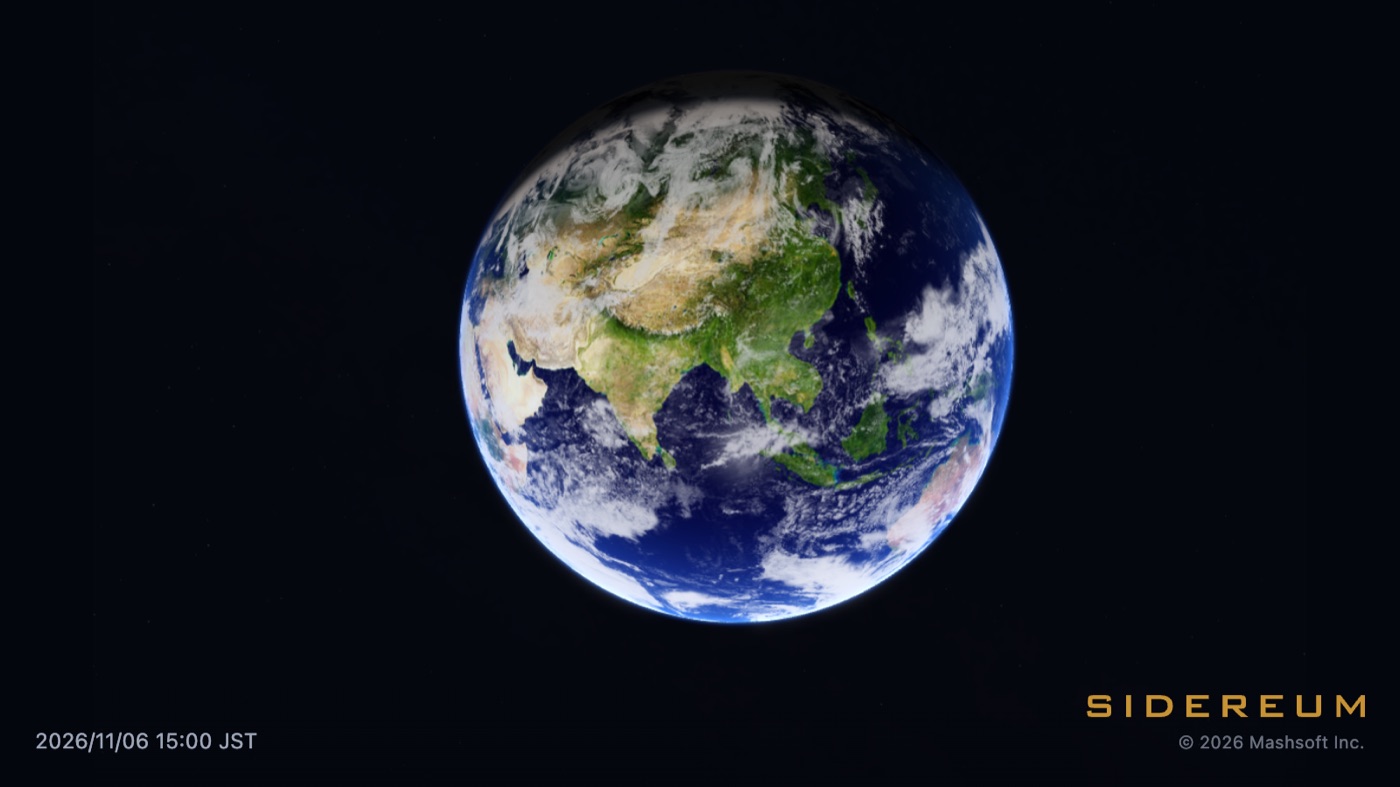
Distant planets or tonight’s sky. Choose a place, change the time, and see familiar worlds from a different point of view.
Choose a location and time to see its sky. Turn on constellation lines and star names, or search for an object that catches your curiosity.
Open the sky ↗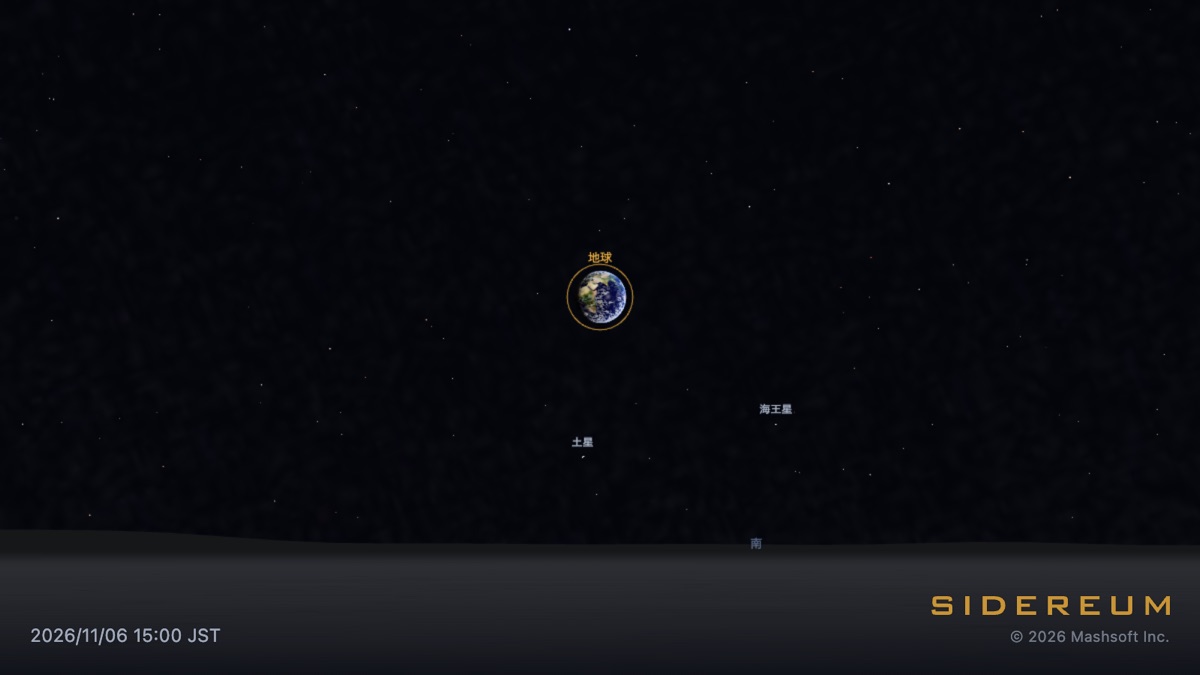
Approach planets and moons in Space view, then see the sky from the lunar surface. Change the time and viewpoint to discover a scene you have never seen before.
Visit the Moon ↗In AR mode, the sky follows your phone’s orientation. Compare the display with the real sky to find stars and constellations around you.
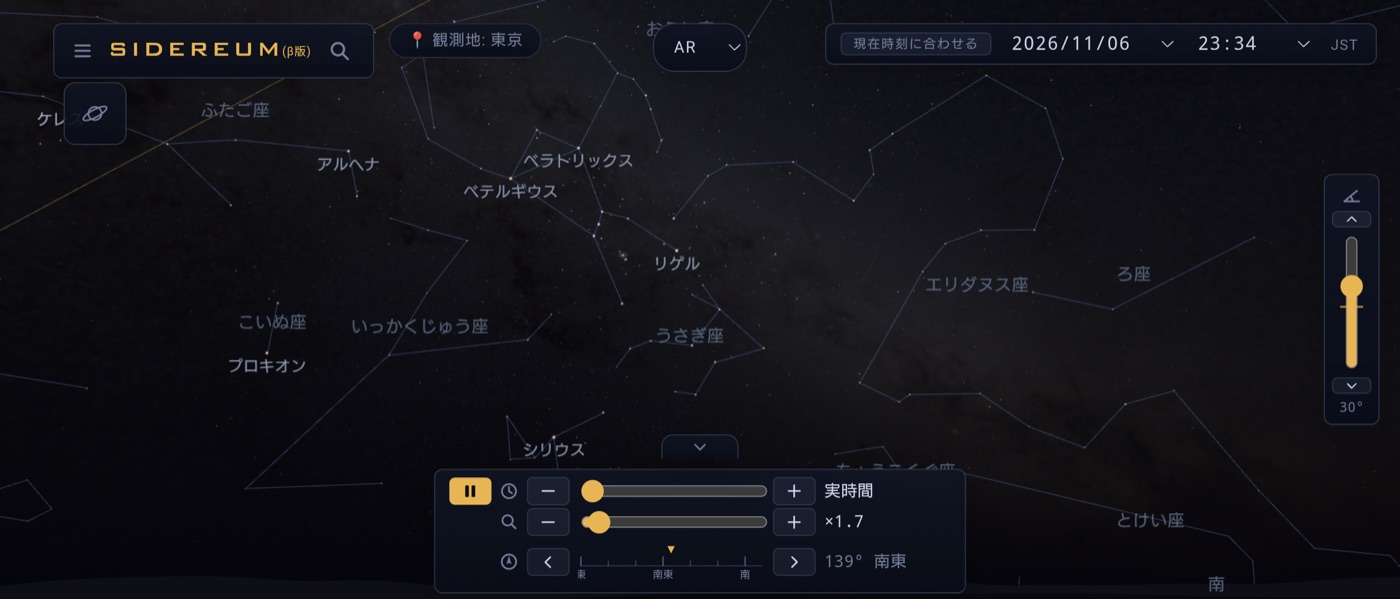
Requires supported orientation sensors and permission to use them. If the heading is off, drag the sky to align it.
Learn the controls or follow a tour of celestial sights. Start with “View the guide” on the welcome screen.
Open an event from the sky calendar. Move time forward or backward and watch the sky change.
Save a favorite view as an image, or share a link to the scene so someone else can explore it too.
Your first flight
No installation or account is needed. Choose “Start exploring” to launch SIDEREUM in your browser.
Drag to rotate and use the wheel or pinch to zoom. Tap a celestial body to approach it in Space view.
Follow the welcome guide or find guided tours in the menu. On supported phones, choose AR from the view selector.
Good to know
The current web version is free to use and requires no account. SIDEREUM is in beta; features and visuals may change.
You need a desktop or smartphone browser with WebGL support. Performance depends on your device. AR also requires compatible orientation sensors and permission to use them, and is not available on every device.
Currently, AR renders a sky that follows your device’s orientation. It does not overlay a live camera image. Sensors and nearby magnetic interference can affect the heading; drag the sky to correct it.
The simulation uses astronomical data and approximate calculations. Some details are simplified, and it is not intended for research, navigation or other precision-critical use. Visuals may differ from what you see with the naked eye.
You do not have to go far to find a sky you have never seen.
Start exploring ↗Free · No account needed · Currently in beta